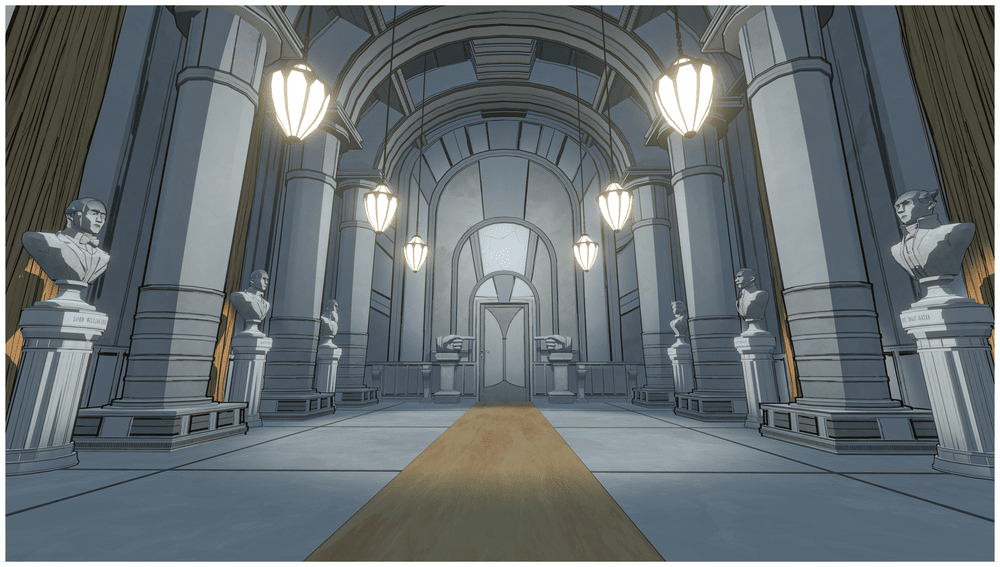
Read the panel before moving a lever
Select the source shown on the panel, check that it contains water, and check that the destination has room. After every transfer, return the control to neutral before changing direction or switching P2 to another tank. The fixed connections are:
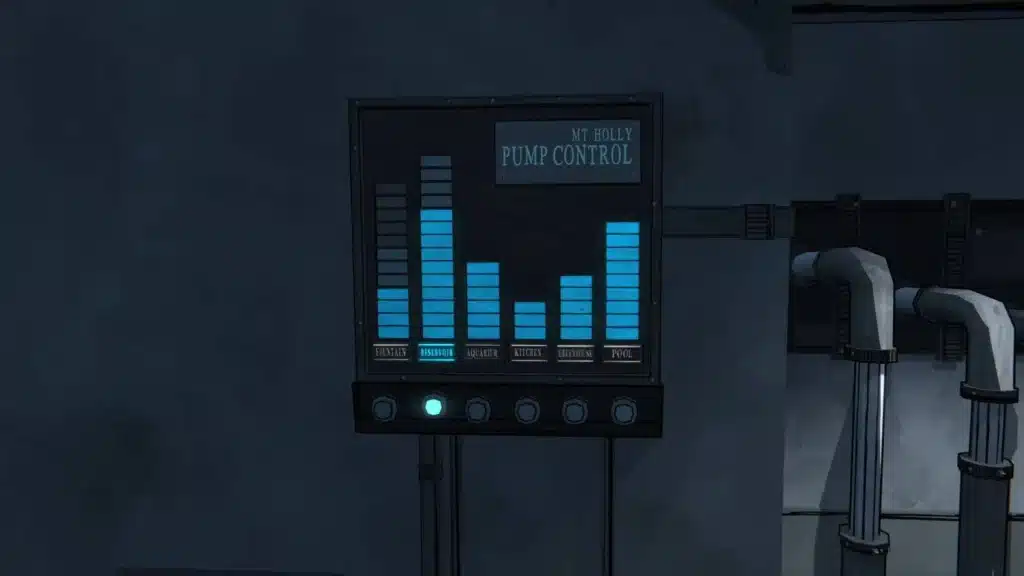
| Port | Connection | Direction |
|---|---|---|
| P1 | Aquarium / Greenhouse ↔ T1 | Up or Down |
| P2 | Fountain / Reservoir ↔ selected T1 or T2 | Up or Down |
| P3 | Kitchen ↔ T2 | Up or Down |
| P4 | Pool ↔ T1 | Up or Down |
Drain the pool from the current state
Use the water bars as your state check. Water levels persist across days, so a fixed list of turns cannot cover every run.
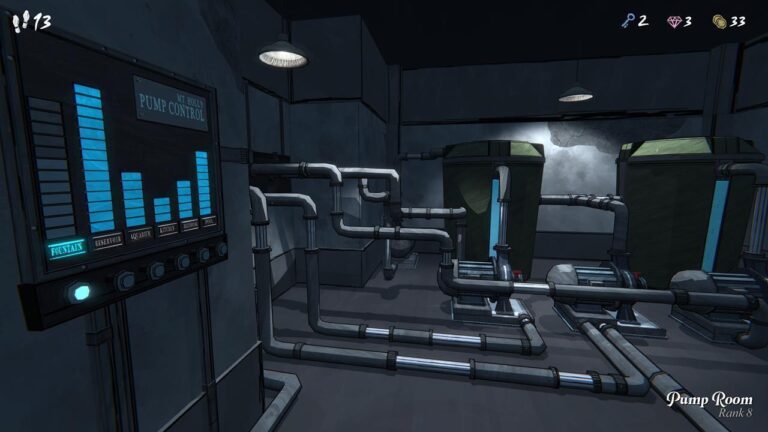
- On the main panel select Pool. Confirm that Pool has water and Tank 1 is below its four-unit capacity. Return the control to neutral, set P4 to Up, and let Pool → T1 finish when the pool is empty or T1 is full.
- If T1 fills first, return to neutral. Select Aquarium or Greenhouse on the panel when either has room, then use P1 Down to discharge T1 there. Otherwise select Fountain or Reservoir, set P2’s selector to T1, and use P2 Down. Both the source and destination must satisfy the water and capacity checks.
- If that Fountain or Reservoir is already full, check T2. When T2 is full, keep the controls neutral, select Kitchen if it has spare capacity, and use P3 Down first; then select Fountain or Reservoir, switch P2 to T2, and use P2 Up to draw from the buffer. If T2 has room, select the buffer and switch P2 to T2 before P2 Up.
- Select the destination room on the panel, switch P2 back to T1 when that line is needed, and send T1 water into the room with capacity. Return to neutral, select Pool again, set P4 Up, and continue draining. Reread the bars after each completed transfer.
This route adapts to the rooms you have. It does not promise that every run needs the same transfers, and it never reverses a line while the control is still engaged.
Move water from T1 to T2
T1 cannot empty straight into T2. Use Fountain or Reservoir as a bridge: first put T1 water into that source, then change P2’s selector and draw the source into T2. Leave room in the receiving destination at each step.
- With water in T1 and capacity in Fountain or Reservoir, set P2 to T1 and choose Down.
- Return to neutral. Set P2 to T2 and choose Up, so the fountain or reservoir becomes the source and T2 receives the water.
Power the Reserve and drain by state
The Reserve panel appears while the Pump Room receives steam power. It adds storage beside Tank 1; route the Boiler Room to the Pump Room before troubleshooting a reserve that stays dark.
- Reserve off: Send steam to the Pump Room. The Reserve panel and its two buttons appear only while it is powered.
- Make room: Use the main tanks to fill other locations first. On P2, select Reservoir, point the selector to T2, and set Up to move Reservoir → T2. Let the transfer finish when the source is empty or T2 is full.
- T2 full: Return P2 to neutral, point its selector to T1, then set Up to move the Reservoir into T1. Change a selector only after the current transfer finishes.
- T1 full: Return P2 to neutral, then use TANK 1 DRAIN to move T1 → Reserve. When T1 has room, select Reservoir, point P2 to T1, and set Up again; if Reserve is full, send water onward through a main-tank destination before using it again.
- Reservoir at 0: The powered Reserve supplies the extra capacity needed to finish a full drain. Water levels persist across days, while the selected source and lever positions reset for the next day.
Sources and scope
This route is cross-checked against GameSpot’s Reservoir guide, wiki.gg’s Pump Room page, wiki.gg’s Pump Room/Power page, PCGamesN, Polygon, GamesFuze, TrueTrophies, and a Steam player discussion.
Patch 1.7.3 fixes the Pump Room trophy’s spawn location; this is a trophy/interaction fix, not a new drain puzzle or water route. Keep the existing P1-P4 operations above. Official Patch 1.7.3 notes.
Published Pump Room and power references were cross-checked on 2026-09-09; water-state and power behavior remain version-sensitive, with no personal playthrough claim.