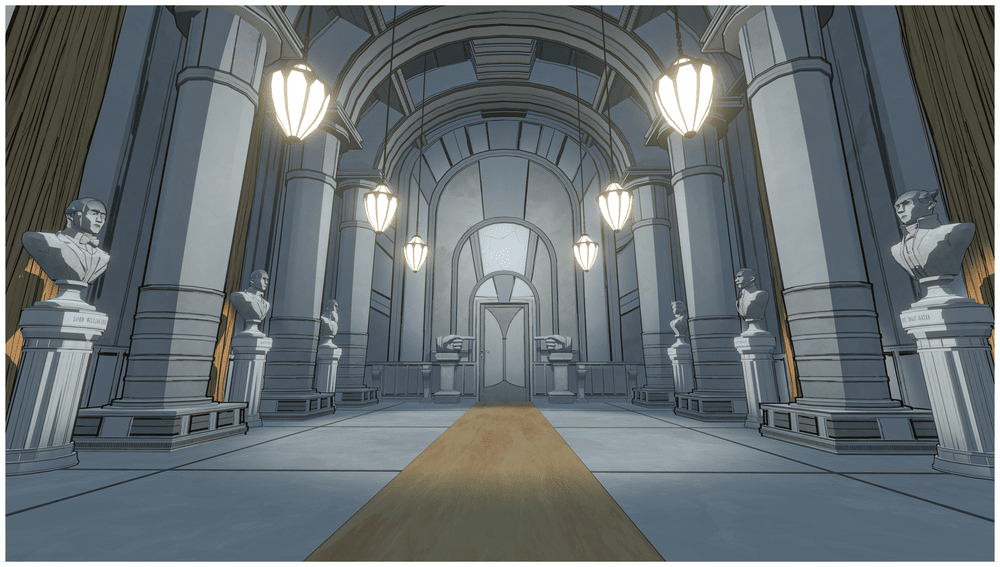
Start the boiler in order
Follow where each pipe is pointed rather than counting rotations. The initial orientation can differ, so stop when the next feed or mechanism visibly responds.
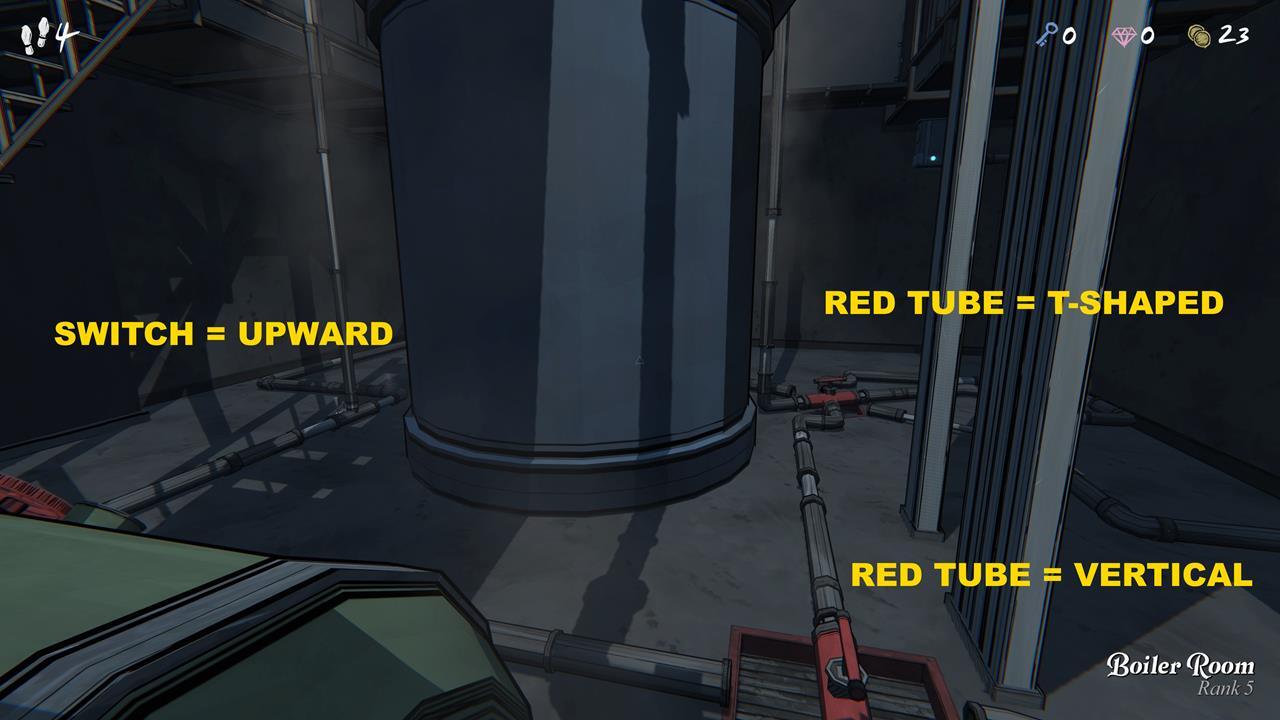
- Open the first tank on the lower level beside the stairs.
- Turn the red pipe toward the second lower-level tank so its conveyor moves. Toggle the first green tank’s valve on or off until the valve gap is exposed, then open Tank 2.
- Set Tank 2’s blue lever toward the elevator branch on the right. Rotate the red pipe to connect the elevator, then ride the lift to the upper level.
- Open Tank 3 upstairs. Set its blue lever left toward the center. At the end of the corridor, use the lever that opens the grille.
- Return to the lower level. Set the red pipes so the T-junction joins the entry, central machine, and corner branch. Set Tank 2’s lower blue lever upward toward the center. Return to the central upper console and press Activate once all three feeds arrive.
Route steam through a continuous duct
Activation only starts the boiler. At the central console, slide or select the outlet shown for the room you want, then inspect the overhead duct room by room. The selected room’s light-blue line and blue pipe are feedback: they should stay connected from the boiler to the destination. Security can carry a continuous line to Pump Room. Bedroom has no ceiling duct, so a Boiler → Bedroom → Pump route breaks.
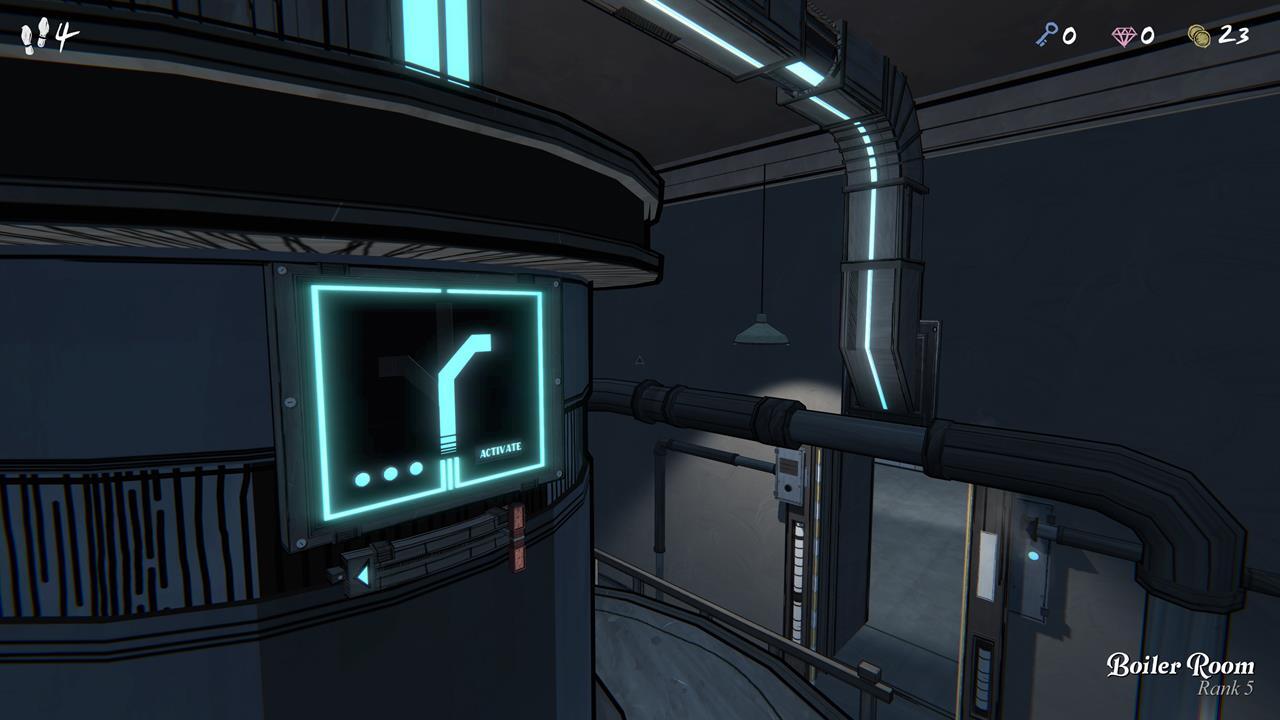
- Choose one available outlet at the activated console.
- Trace the duct through each intervening room. The path must stay unbroken through rooms with an overhead duct; if the blue line stops, choose another outlet.
- Leave the boiler running while you adjust pipes; changing the route after activation is allowed that day.
High Pressure Condenser: red box to remote button
The High Pressure Condenser is a separate red-box branch. It sends power outside the house to remote power boxes; this is a remote-door path, separate from the ordinary room-to-room steam duct check.
- Feed the box: After activation, connect lower Tank A → first switcher → six-way junction → condenser branch until the High Pressure Condenser indicator is lit. Follow the pipe connection; do not count turns.
- Mind the tradeoff: This condenser setup cuts power to the bridge and elevator. If you still need ordinary steam access, activate the central turbine first, then change the pipe setup for the condenser.
- Open the door: In the Underpass side tunnel, go to the box beside the red door and press its flashing blue button while powered. Official Patch 1.5 changed these doors to button press and says an opened door remains permanently unlocked; Patch 1.5.1 fixed the persistence bug.
The condenser uses the lower tank’s pipe junctions. Moving the central console’s room-outlet selector alone does not power this red box.
Three useful failure checks
- Console stays dark. One of the three green feeds has not reached the center. Recheck the tank switches, the upper and lower blue levers, the elevator branch, and the central T-junction; follow the pipe destination instead of repeating a guessed rotation count.
- Target room stays dark. The boiler may be active while the selected outlet still has a duct gap. Trace the ceiling line through every room and choose another outlet if the blue feedback stops before the destination.
- Basic pump works but Reserve does not. Ordinary pool drainage and boiler-powered reserve access are separate. Confirm that the boiler route reaches the intended powered room and that Reserve has receiving capacity; the Pump Room guide covers the Reserve route.
The boiler remains active after you change pipes during that day. The next day requires another Activate; the mechanical unlocks do not necessarily reset in the same way.
Steam power is not the same as room lighting
Darkroom can carry steam onward even while its lights are off. If your goal is to turn on its lights, use the Darkroom switch in the Utility Closet; a working Boiler Room route alone does not switch them on. For the Laboratory or Pump Room reserve, follow the steam duct instead: each link must pass through a shared doorway and a room that carries steam.
Sources and scope
This sequence is cross-checked against Polygon’s Boiler Room guide and GameSpot’s Boiler Room guide.
For the steam and electricity distinction, see wiki.gg’s Boiler Room page, wiki.gg’s Underpass page, StrategyWiki, GameSpot’s Utility Closet gallery, and the Blue Prince Wiki steam-power page. Remote-door behavior is reconciled against official Patch 1.5 and official Patch 1.5.1 hotfix; later patch context: official Patch 1.7 notes and official Hotfix 1.7.2 notes.
Published Boiler Room references were cross-checked on 2026-09-09; remote-door behavior is reconciled through Patch 1.5.1 and later duct fixes through Hotfix 1.7.2. No personal playthrough is claimed.